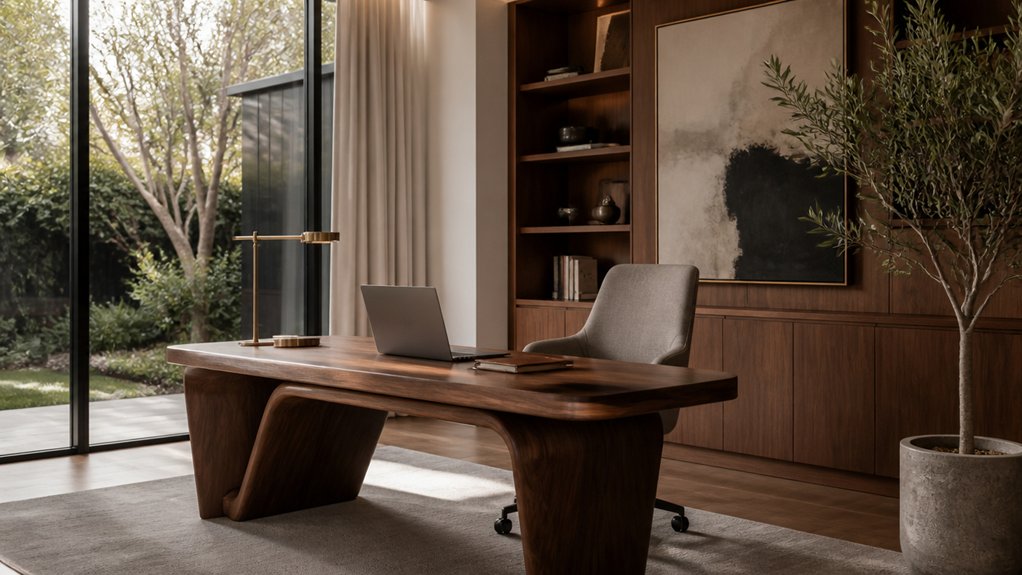
Choose a quiet spot for your home office with reliable internet, natural light and enough floor space to move comfortably. Check where glare falls during the day, and plan for task lighting as well as general room lighting.
An adjustable desk and a supportive chair are worth considering, but make sure they fit the room and your working habits. Use discreet storage and a restrained colour palette to keep the space orderly; refined materials can suit your home’s character, though they may need more care than hard-wearing finishes. Plan the layout before buying furniture, so the office works for daily use without feeling out of place.
Key Takeaways
Start with the workday and the room. Choose a quiet spot with reliable internet, natural light, accessible power outlets and enough floor space to move comfortably. Check where the sun falls during the day; a bright window can be useful, but it may also cause screen glare.
Choose a stable sit-stand desk and an adjustable chair that supports you properly. Measure the room before buying, and allow space to pull the chair out and move around. A larger desk gives you more working room, but can crowd a small office.
Use a mix of general, task and desk lighting. Position lights to limit glare on screens and give your face even light for video calls. Test the setup at different times of day, as daylight changes the balance.
Keep the finishes restrained and practical: choose durable materials, a consistent palette and a few framed pictures or personal objects. Clear the desk with storage that suits your work, and keep cables tidy. Closed storage hides supplies; open shelves make useful items easy to reach but need regular organising.
Plan a Luxury Home Office Around Your Workday

Plan the office around your actual workday, not just how it will look in a listing. Note when you take calls, need quiet for focused work or meet clients, then choose a room or defined area with enough distance from household traffic to protect concentration and privacy. Check the natural light, views, power outlets and internet connection before settling on a layout; poor lighting or limited connectivity can make the room harder to use every day.
Arrange the space around the tasks you do there. A small landing area can keep project materials close at hand, while closed or discreet storage helps the room stay tidy for video meetings. Set up a clear place to start work and keep distractions to a minimum, then make it easy to put work away at the end of the day. More built-in storage can keep things organised, but it may leave less room to change the layout later.
Choose Ergonomic Furniture That Looks Refined
Choose an adjustable chair with proper lumbar support and a seat that stays comfortable through a full working day. Check that its height and armrests suit your desk, and that the fabric or finish works with the room; a refined look is no use if the chair is uncomfortable or difficult to adjust.
An adjustable desk can help you change working positions, but allow for its footprint and make sure it suits the room’s finishes. Together, well-chosen pieces can make the workspace more comfortable and presentable, though they can’t guarantee a higher resale value.
Refined Ergonomic Seating
A home-office chair needs to suit your body as well as the room. Choose a shape and upholstery that work with the house’s architecture and finishes, but don’t let appearance outweigh support. A sculptural frame and well-chosen colour can help the chair feel at home without making it less practical.
Check the seat height, depth and armrests before buying; they should fit your body and desk. Look for cushions that support your lower back and help you sit comfortably. Breathable fabric can feel cooler, while leather is easy to wipe down but may feel warmer. Neither material makes up for a poor fit, and premium upholstery doesn’t guarantee lasting comfort.
To keep the workspace considered, match the chair’s colour or texture with nearby cabinetry, rugs or lighting. The right choice depends on how long you sit, how much upkeep you’re willing to do and what feels comfortable in person.
Elegant Adjustable Desks
Once your chair fits you and the room, an adjustable desk can make the workspace more useful. Look for a sit-stand model with controls you can reach while working, a stable frame and enough surface for your monitors and paperwork. Check how the cables are managed, too; a tidy route is easier to live with than wires hanging behind the desk.
Measure the room and check the desk’s footprint at both sitting and standing height, including clearance for the chair and nearby doors or drawers. A wood veneer can add warmth, while a slim metal base takes up less visual space; the right choice depends on the room’s finishes and how much surface area you need. Before buying, confirm the desk suits your chair and that its finish works with the flooring, cabinetry or hardware. A well-chosen desk can keep the office practical without making it feel clinical, which helps when presenting the home to buyers.
Layer Lighting for Focus and Comfort
A well-lit home office is easier to work in and more comfortable to spend time in. Use layers of light so you can adjust the room for different tasks: start with an ambient source, such as a dimmable ceiling fixture, then add a desk lamp for reading and close work. A separate lamp can also help define the work area without making the rest of the room too bright.
Put each light on a separate control if practical, and choose warm or neutral bulbs to suit your work. Check the lamp position from your usual seat; poorly placed light can cause glare on a monitor or make video calls harder to see. The right setup depends on the room layout and how you use the desk, so test positions before fixing anything in place.
Select Materials and Colors That Inspire
Choose materials for how they’ll wear, not just how they look. Natural stone is durable but can need sealing; wood adds warmth, though it may mark or scratch; and brushed metal can show fingerprints. Ask about maintenance and samples, and check how each finish looks in your room’s light before deciding.
Use colour to set the mood and support focus, while making sure it works with the rest of your home. If resale matters, favour finishes that are easy to live with and not too personal; distinctive choices can make a room feel yours, but may not suit every buyer.
Choose Refined Materials
Choose materials that will stand up to daily use and suit the home’s character. A solid walnut or oak desk can take knocks and be refinished, while stone gives a hard-wearing surface but may need more care to prevent stains or damage. Check the desk’s size and weight against the room, especially if it will sit on an upper floor.
Keep smaller details practical. Brushed brass hardware can show fingerprints, and a leather desk pad needs occasional care; choose them for the finish you want, not because they’re maintenance-free. A wool rug softens footsteps, while textured wallcovering adds depth, but both need to work with the room’s colours and be straightforward to clean.
For an upholstered chair or window treatments, ask about fabric durability, cleaning requirements and how the material will wear in sunlight. These choices add comfort and craftsmanship, but they also affect upkeep. Keep the materials consistent with the home’s architecture so the office feels like part of the house rather than a separate showroom.
Use Inspiring Colors
Colour affects how a home office feels, so choose shades that suit the work you do and the character of the property. In a luxury home, colours that sit well with the architectural details can help the room feel considered without competing with its finishes.
Soft greens and blues can make a room feel calmer; warm neutrals give you a flexible background for focused work. If the office shares space with a bedroom or living area, pick up colours from nearby finishes to keep the rooms visually connected.
Use artwork, upholstery or a painted niche for stronger colour rather than covering every wall. Before settling on a shade, test samples in daylight and under your evening lighting. Check how they look beside the room’s materials and whether they suit its proportions.
Add Smart Technology and Hide the Clutter
Smart technology can make a luxury home office easier to use without making it look cluttered. Consider connected lighting, a discreet wireless charger and a smart thermostat. Check that the devices work with your existing system, and ask an electrician whether you’ll need extra wiring or power points. Wireless options are easier to add, but they still need a suitable place to charge.
Plan storage around what you use: printers, chargers and paperwork should have a place out of sight when they’re not needed. Desk grommets, wall channels or built-in cabinetry can keep cables tidy; built-ins give a cleaner finish but take more planning and may be harder to change later. Keep power points accessible, avoid overloading them, and leave room for future equipment. A clear, well-organised office is safer, easier to work in and more likely to feel like part of the home during viewings.
Personalize Your Office Without Losing Functionality
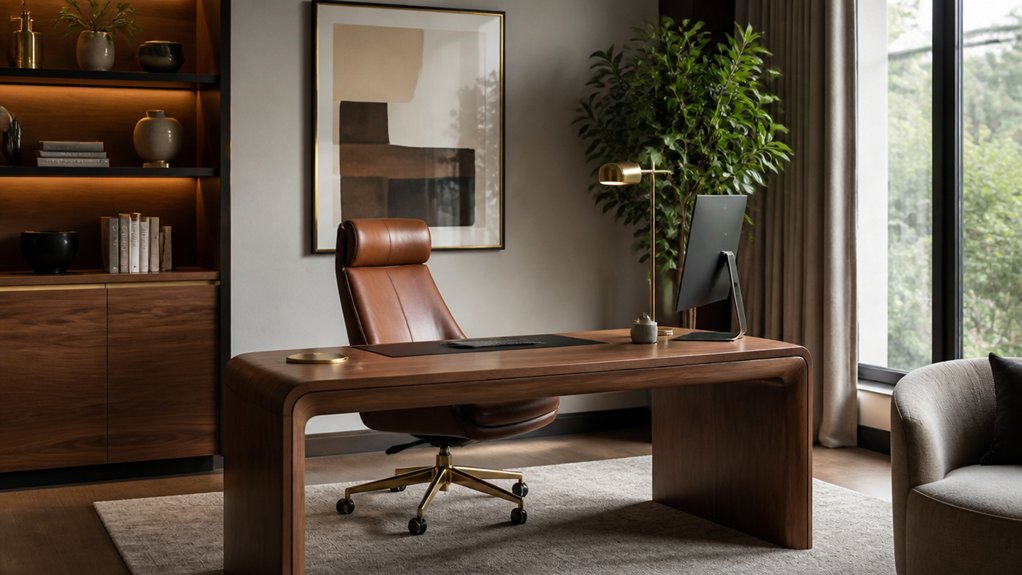
Personal touches can make a home office feel like yours, but they shouldn’t make it harder to work or awkward for a future owner to use. Choose a restrained colour palette, framed art or a few meaningful objects that suit the room. Keep the desk clear, and make sure storage, walking space and access to outlets remain practical.
Choose items that serve a purpose as well as looking good. A sculptural lamp should provide proper task lighting, while a bookcase can display a few objects and keep supplies out of sight. Before adding built-ins, consider whether they’ll suit different uses later; fixed storage can limit how the room is rearranged. Avoid oversized collections and niche themes, and make sure each item adds character without taking up useful space.
Frequently Asked Questions
Can a Luxury Home Office Increase Property Value?
A well-planned luxury home office can make a property more appealing and may help its resale value, particularly where buyers want a dedicated workspace. Keep it practical, professionally finished and easy to adapt; built-in storage and fixed fittings that suit only one person can limit how others use the room.
Put money into good lighting, dependable internet connections, useful storage and finishes that suit the rest of the house. Before work starts, check that the room has enough power outlets and that any built-ins leave space for different furniture layouts. The return depends on local buyer demand, the quality of the work and the home’s overall condition, so don’t count on getting back every dollar spent.
How Much Should I Budget for a Luxury Home Office?
Set a firm spending limit for your luxury home office, then price the work that matters most: ergonomic furniture, useful storage and good task lighting.
Custom cabinetry, high-end technology and changes to walls, wiring or heating can add substantially to the cost, so decide early which are worth it.
Ask contractors what their quotes include and how they’ll protect existing finishes.
Keep room in the budget for unexpected work, and check with your local building department before making changes that may require approval.
Do I Need a Permit to Build a Home Office?
You may need a permit to build a home office; it depends on the work and your local rules. Check with your local building department before you start, and ask what permits and inspections apply. Also review zoning rules before choosing a site, and set a budget before hiring contractors.
Converting an existing room often involves fewer approvals than adding square footage or changing structural, electrical or plumbing systems. Ask the building department whether soundproofing or flooring changes affect inspections. Weigh those upgrades against their cost and potential effect on resale appeal.
How Can I Soundproof a Home Office?
Start by finding where sound is getting in: gaps around the door, window frames and trim are common weak points. Fit weatherstripping around the door and use acoustic sealant along fixed joints; ordinary filler can crack or leave small gaps.
For more isolation, dense insulation such as mineral wool can help, but it needs to be fitted into a suitable wall or ceiling assembly. Resilient channels can reduce sound passing through framing, though poor installation can limit their benefit. Acoustic panels mainly reduce echo inside the office; they do not, by themselves, block much sound from outside. Rugs and heavy curtains can soften reflections, and moving your desk away from a shared wall may make the room more comfortable.
If you need a substantial improvement, ask a contractor what work is needed to seal or rebuild the wall, door or window assembly, and what disruption that involves. Better sound isolation can mean losing some room space or changing finishes, so weigh that against the benefit. For structural work, check with your local building department about applicable permits and requirements.
What Flooring Works Best for a Home Office?
For a home office, carpet or cork can make the floor more comfortable and help reduce noise. Acoustic performance varies by product, so check the flooring and underlay ratings before you buy.
Luxury vinyl plank is a practical choice if you expect heavy foot traffic or want a surface that’s easy to clean, while engineered wood can suit a home where resale appeal matters.
Cork offers a useful balance of warmth and noise reduction, but compare its care requirements with the other options. Choose based on how you use the room, how much maintenance you’re willing to do, and how the flooring will look alongside the rest of your home.